

You post a video. You check back an hour later, and it blew up. You have thousands of views and hundreds of comments begging for a product link.
But you are stuck at your day job, in a meeting, or asleep. You physically cannot reply to everyone. Every ignored comment is just cash slipping through your fingers.
What Are TikTok Creator Tools?
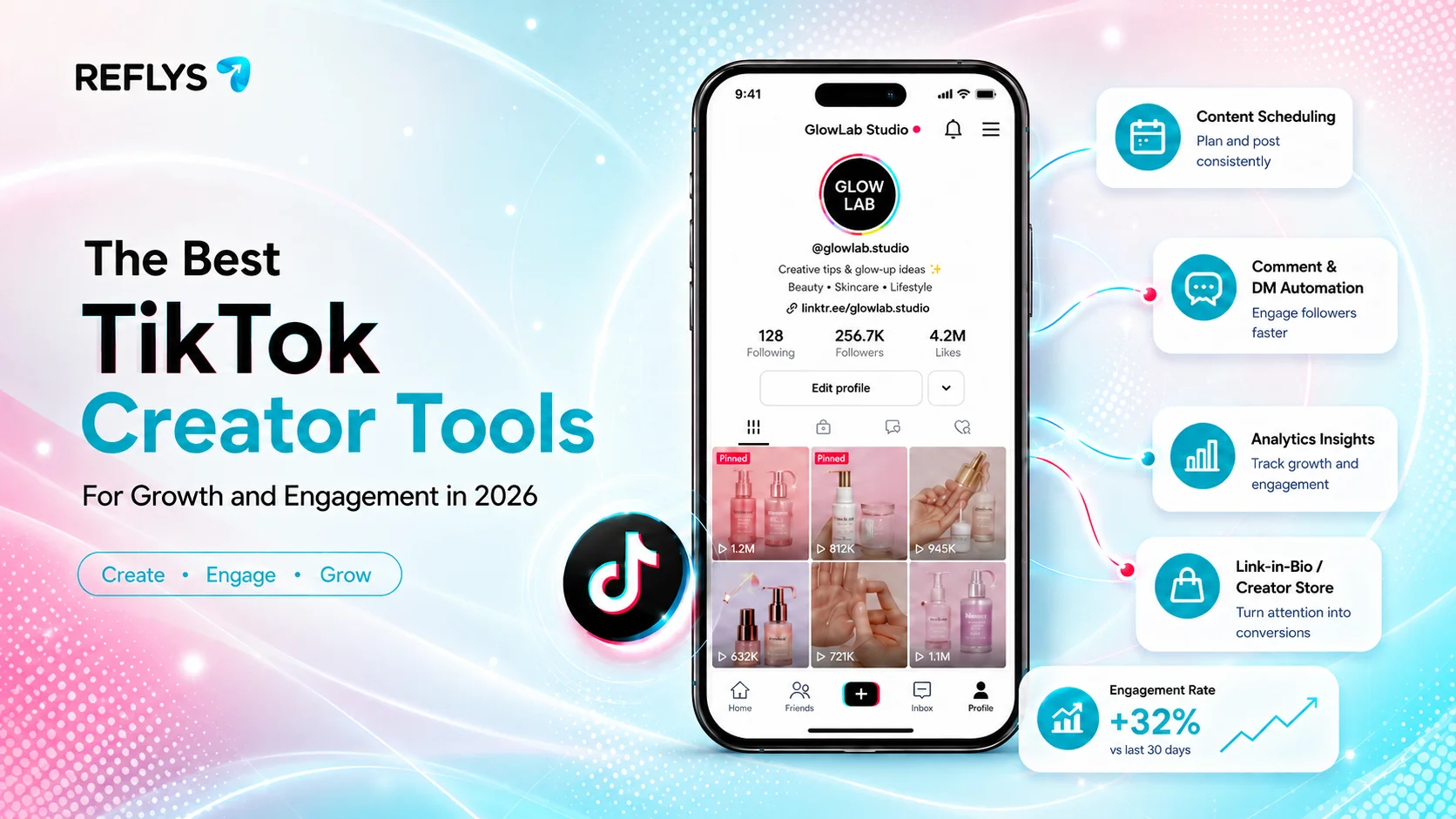
So what exactly is a TikTok creator tool? It is any app or software that helps you plan, shoot, edit, or manage your short-form videos. These TikTok content creation tools cover everything from the basic filters in your app to third-party software that answers your direct messages automatically.
How Do You Choose the Right Tools?
Do not just download random apps. Find what actually slows you down. If your lighting looks terrible, get an editor. If you always forget to post, get a scheduler.
If you leave followers on read, you need a TikTok chat automation app like Reflys.
| Tool Category | The Real Problem It Fixes | Top Recommendation |
|---|---|---|
| Video Editing | Low production quality | CapCut |
| Scheduling | Inconsistent posting | Buffer |
| Chat Automation | Unanswered DMs & Comments | Reflys |
Top TikTok Editing Tools for Production
You do not need a massive camera rig to build an audience. Most viral hits are shot and cut right on a smartphone.
- CapCut: ByteDance owns CapCut, so it naturally plays nice with TikTok. It handles fast cuts and auto-captions much better than the basic in-app camera. You can use it on your phone or your laptop. The free version does almost everything you need, though you have to deal with a tiny watermark at the end unless you pay for Pro.
- TikTok Studio: Before you even hit record, you should know what people actually want to watch. Using a native TikTok tool gives you an edge with the algorithm. TikTok Studio gives you totally free analytics on trending sounds and hashtags. Check your niche here first before you waste hours filming the wrong thing.
Got the views? Now turn them into actual conversations. Try setting up an automated chat flow with Reflys. Start on our free plan today, absolutely no card required. Register for Reflys Here.
Top Tools for Scheduling and Analytics
Making videos is exhausting. Batching your filming saves your sanity. But you still need something to actually push those videos live when your fans are awake.
- TikTok Native Scheduler: Want to play it entirely safe? Just use the desktop site. You can line up your posts up to 10 days out from your computer. It costs zero dollars, and you never have to worry about third-party glitches ruining your audio sync.
- Buffer: Maybe you cross-post your videos to Instagram Reels or YouTube Shorts. Buffer is a solid pick for that. You drop a video in their calendar and schedule it everywhere at once. Their free tier covers three accounts, which is usually plenty if you work alone.
| Feature | TikTok Native Scheduler | Buffer |
|---|---|---|
| Platforms Supported | TikTok only | Multi-platform |
| Starting Cost | Free | Free tier available |
| Best For | Single-platform creators | Repurposing one video everywhere |
Batching your posts solves one problem. But who answers the comments when your video goes viral at 2 AM? Reflys handles it for you. Schedule a free demo to see how it works.
Top Tools for Audience Engagement
Views do not pay the bills. Buyers do. When a fan types “link” in your comments, they want to buy right then. If you make them wait six hours for a reply, they leave.
Reflys
This is where a TikTok creator tool for chat changes the game. Reflys connects directly to your TikTok, Instagram, WhatsApp, and SMS. You stop typing replies manually. You just set up a simple rule in our flow builder automation.
If someone sends a DM with a specific word, Reflys replies instantly with your link. We strictly use the official TikTok API, so your account stays completely safe from shadowbans. We never touch shady scraping software.
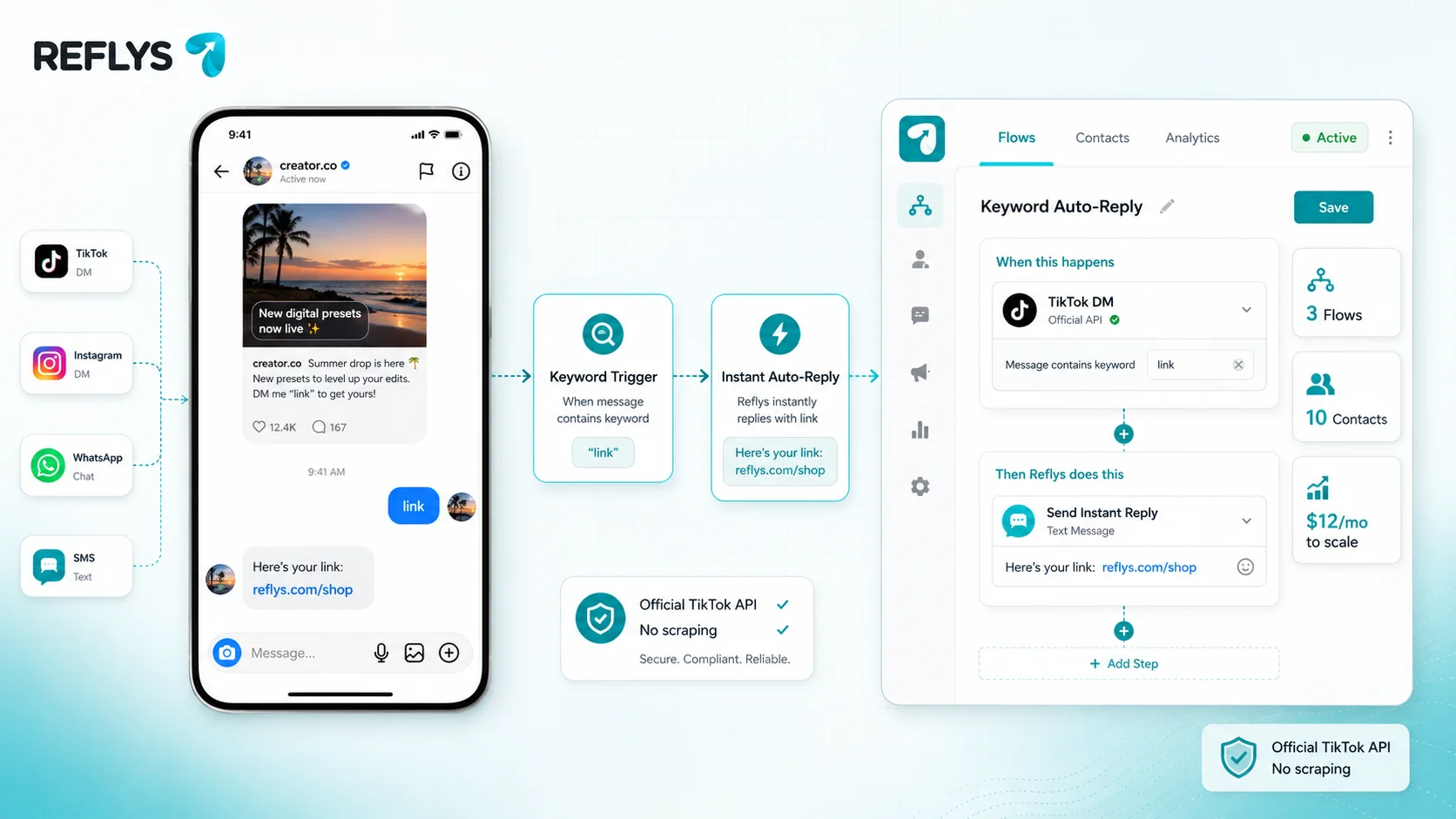
Our free plan lets you handle 10 contacts and build 3 flows. If your account blows up and you need more power, paid plans run about $12/month through Stripe.
Build It Now: Create a TikTok Auto-Reply Flow
Want to see it work? You can build this in five minutes on the Reflys free plan. Follow these exact steps:
- Create your account: Sign up for Reflys and connect your TikTok Business account.
- Start a new flow: Go to your dashboard, hit the “Flows” tab, and click “Create New Flow.”
- Set your trigger: Pick “User sends a direct message with keyword” and type a word like “INFO”.
- Draft your response: Type out your friendly reply and drop in your store link.
- Publish it: Hit “Set Live” in the top right corner.
That is it. The next time a fan sends that keyword, they get your link instantly. You do not even have to open your phone.
Stop wasting hours typing the same links in your DMs. Automate it in five minutes. Grab your free Reflys account, no card needed to start.