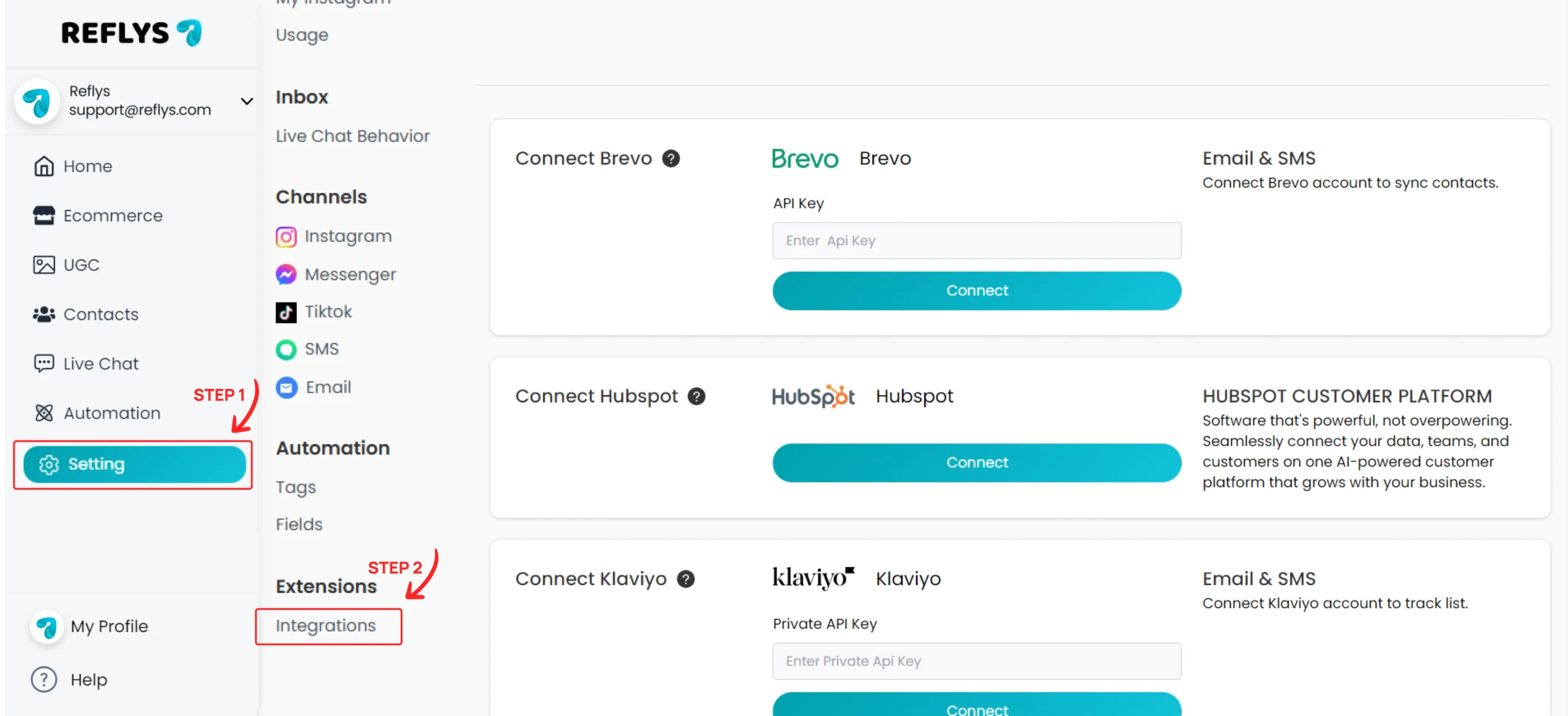
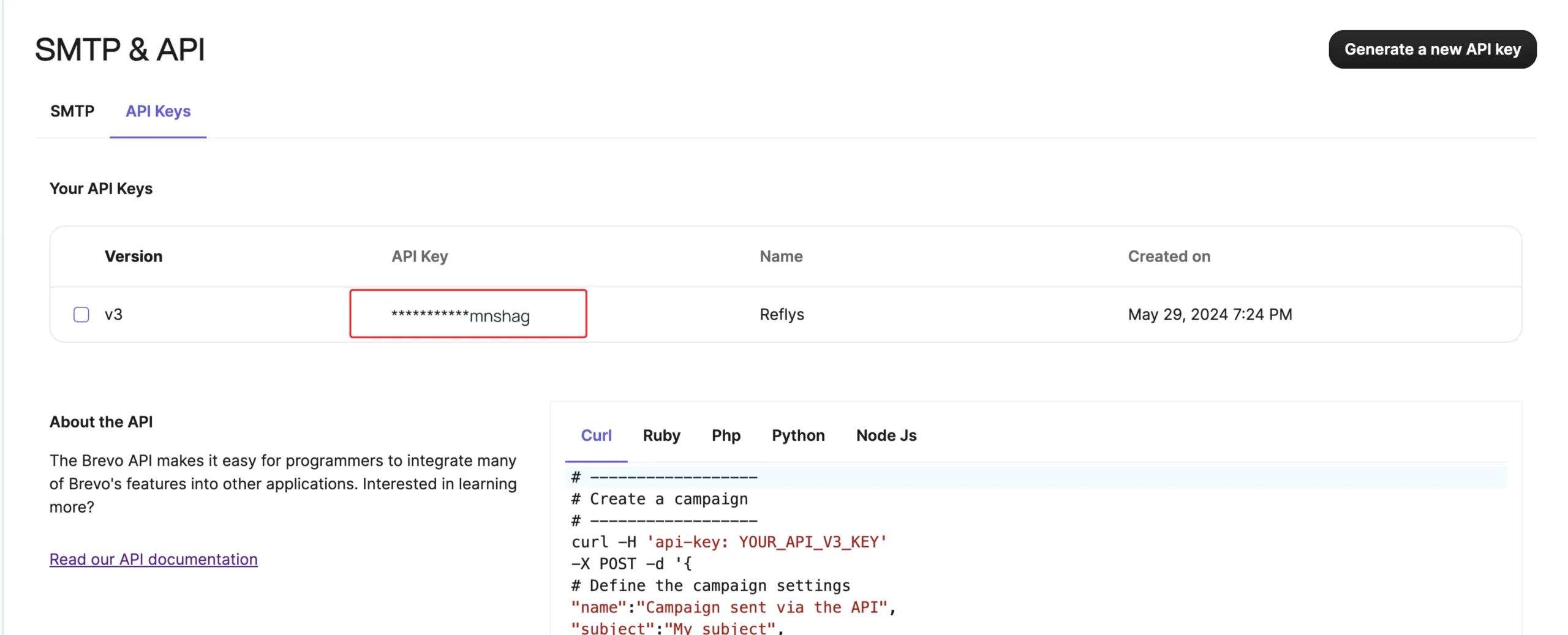
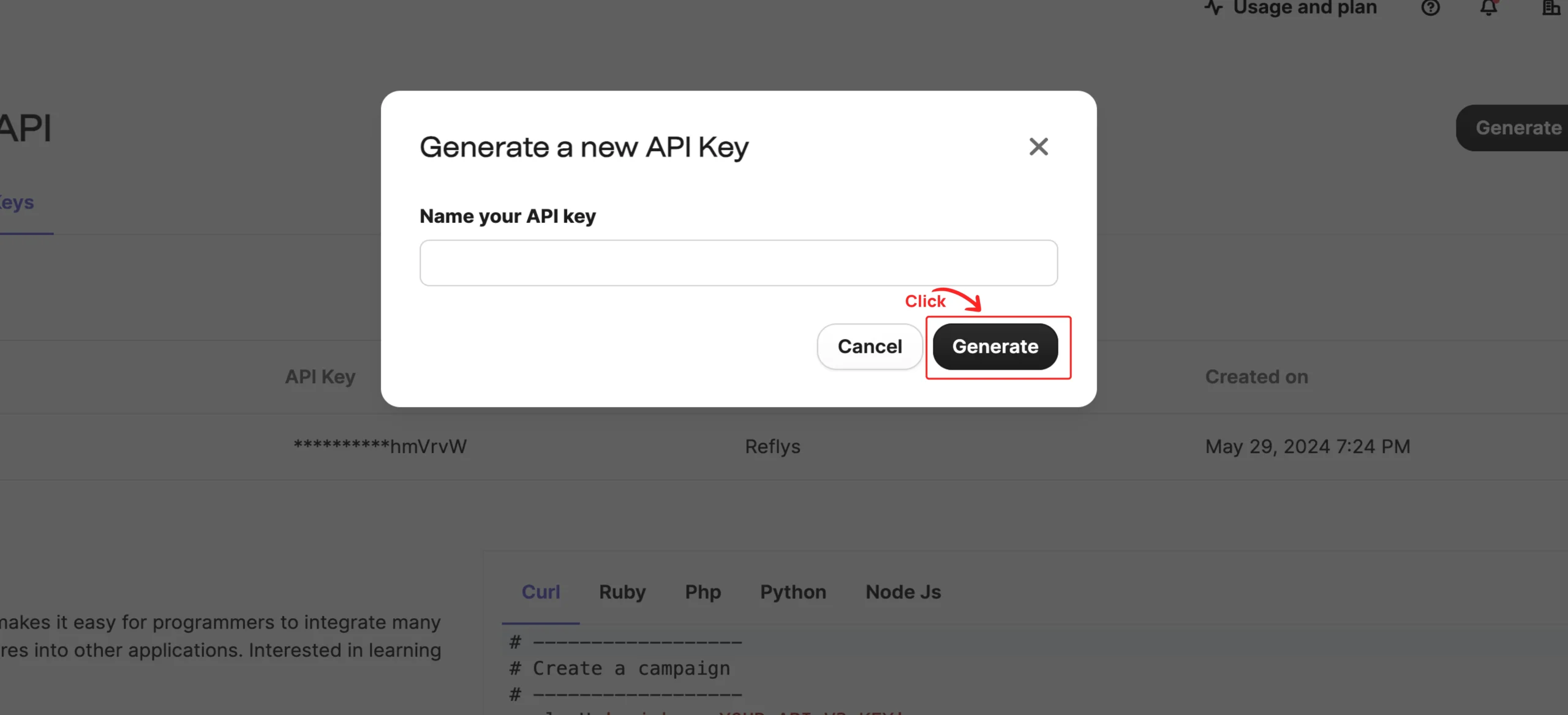
Brevo Integration with Reflys: Installation Guide Navigate to Settings from the side menu and open ‘Integrations’ You will need an API key to connect your Brevo account. To find your API key, log in to your Brevo account and navigate to https://app.brevo.com/settings/keys/api, then click on Generate a new key. You will be asked to provide a name for your API key. Enter a descriptive name and click the ‘Generate’ button. Copy your newly generated API key. Now, use the API key to connect your Brevo account. On this page Brevo Integration with Reflys: Installation Guide How can i find my Brevo APi key?