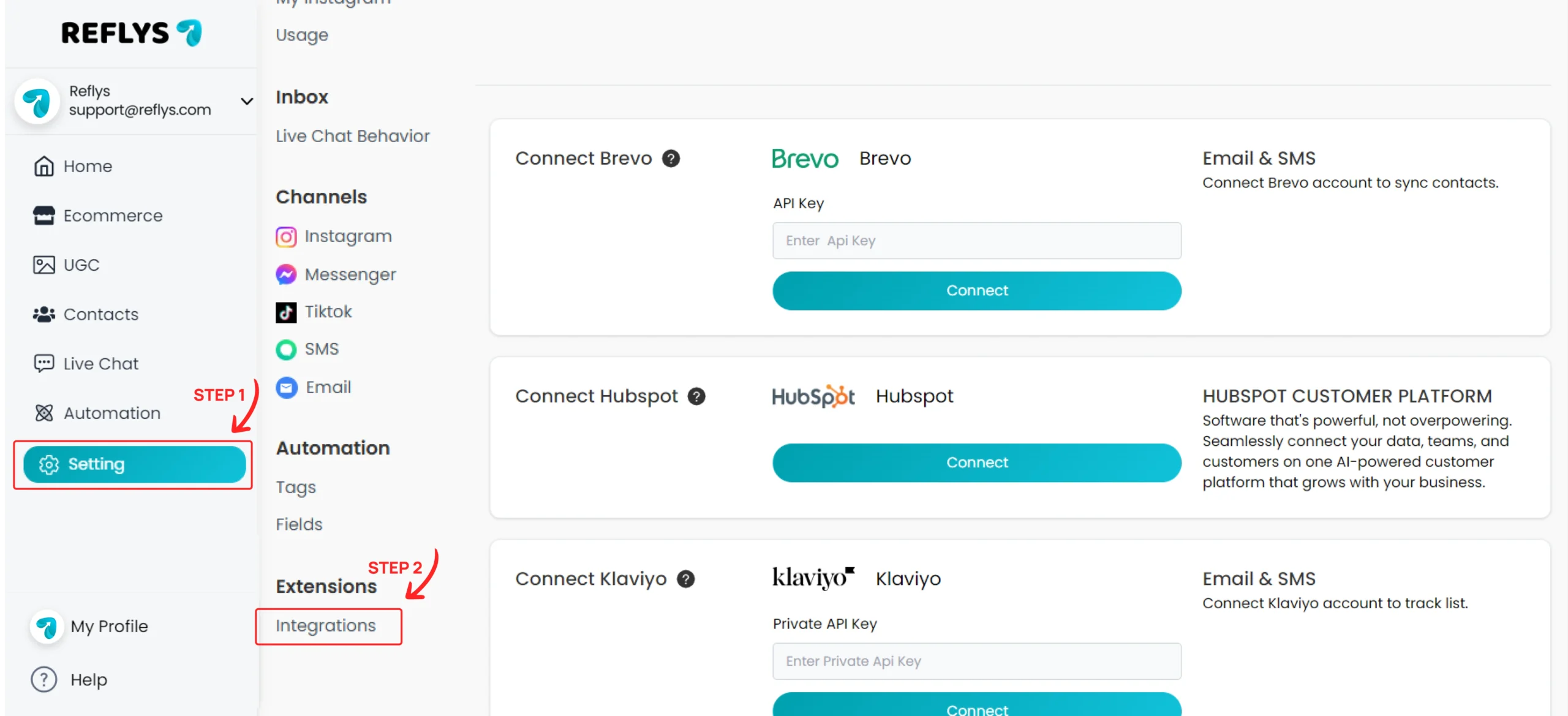
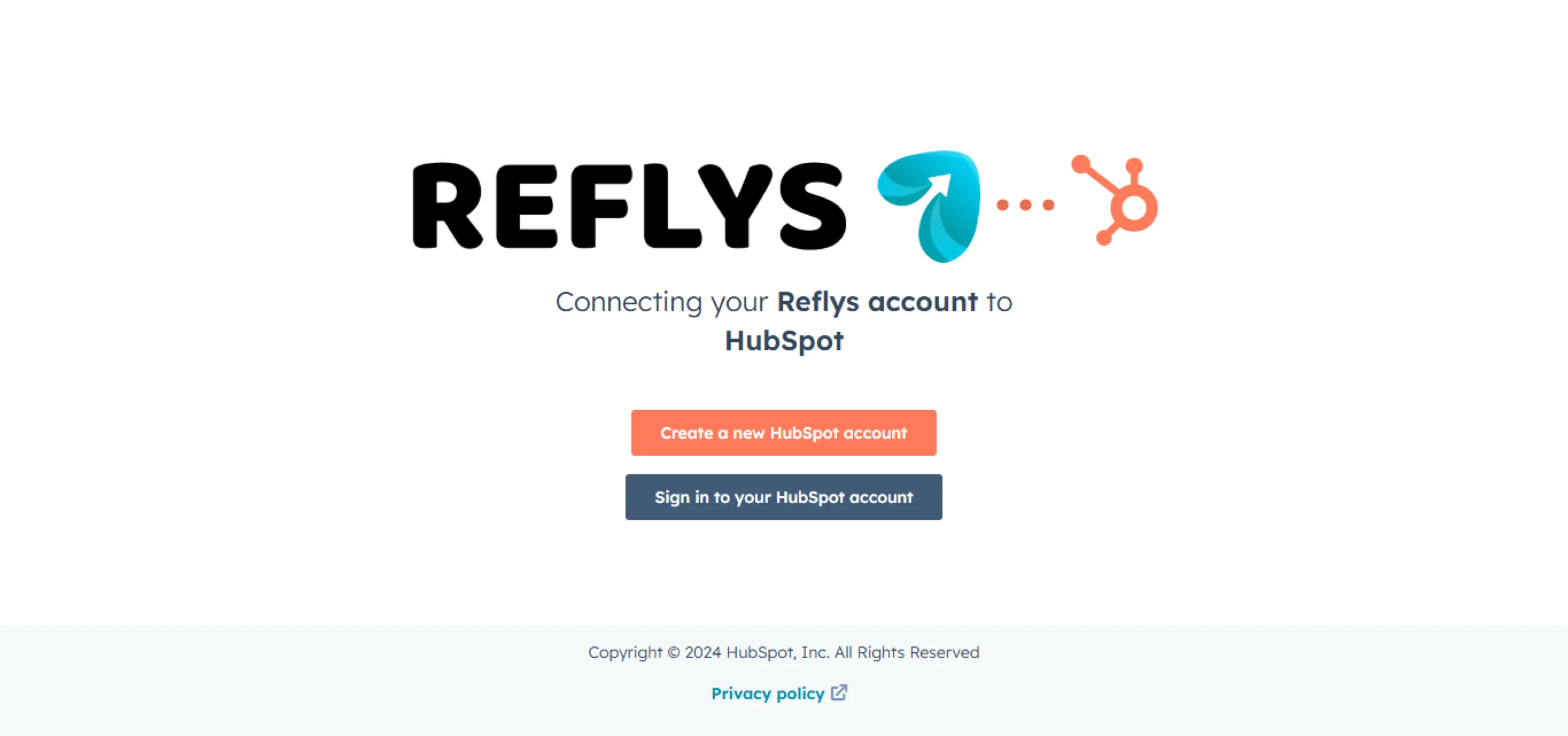
HubSpot Integration Guide for Reflys 1. Go to Settings from the side menu and open ‘Integrations’. 2. Click the ‘Connect’ button on the HubSpot card. This will take you to the HubSpot OAuth screen, where you’ll be asked to grant permission. After successfully logging into HubSpot, you will be redirected to the Reflys platform, and your HubSpot account will be connected. On this page HubSpot Integration Guide for Reflys